AI Story Series
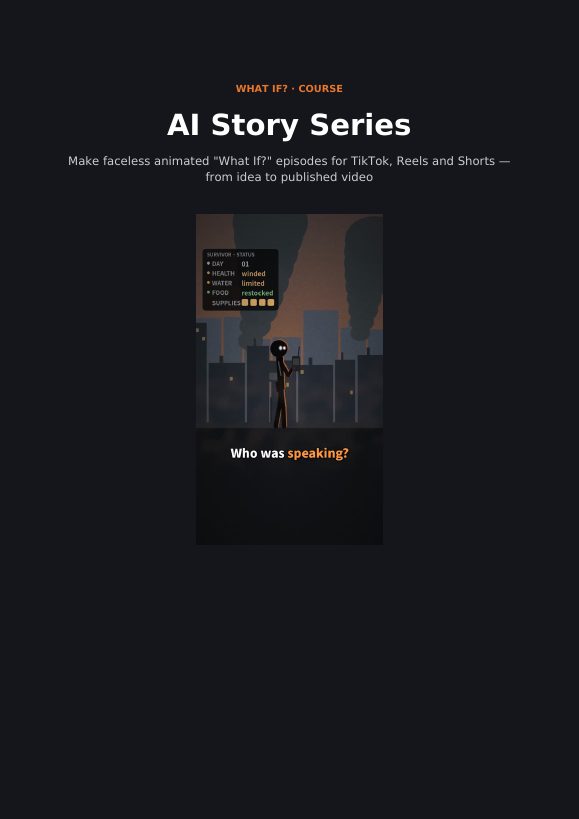
Everything we use to make a faceless animated series, written down step by step, from the first hook to a published episode.
It's for you if
- You want a faceless channel built around a story, not your face
- You'd rather follow a tested process than piece one together from videos
- You can spend a few hours a week making one episode
It's not for you if
- You want guaranteed views or income: no course can promise that
- You're looking for hand-drawn or 3D animation techniques
The lessons
- 0. Welcome. What you will build and the tools you need
- 1. The series format. The "What if?" promise and the 60–90 second structure
- 2. Writing the script. Line rules, timing, and the two versions of every script
- 3. The voice. Choosing and checking an AI narrator
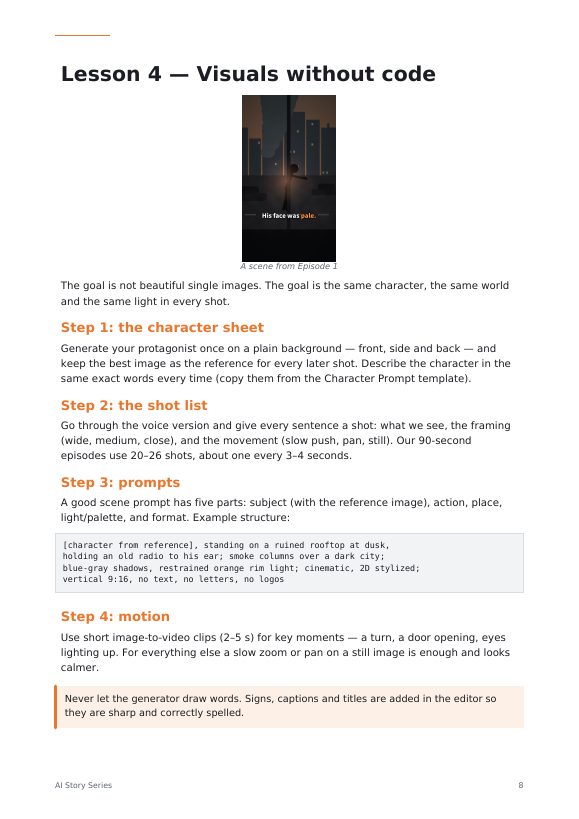
- 4. Visuals without code. Consistent characters, shot lists and scene prompts
- 5. Editing. Cutting to the voice, readable subtitles, sound
- 6. Quality check and publishing. The 10-minute check and what to measure
- 7. The code pipeline. Rendering episodes with Claude and the starter kit
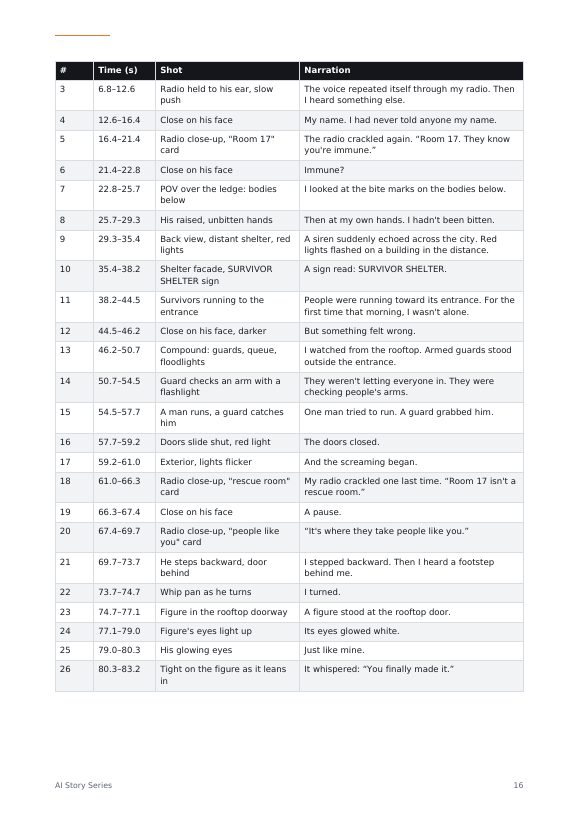
- 8. Case study. Two real episodes: scripts, shot list, numbers and every bug
- 9. Growth and earning. Planning a season, reading your numbers, ways to earn
AI Story Series
- 10 lessons, from first hook to a published episode
- Case study of two real episodes, bugs and fixes included
- 50 story ideas, 30 hooks, 20 cliffhangers, 40 scene prompts
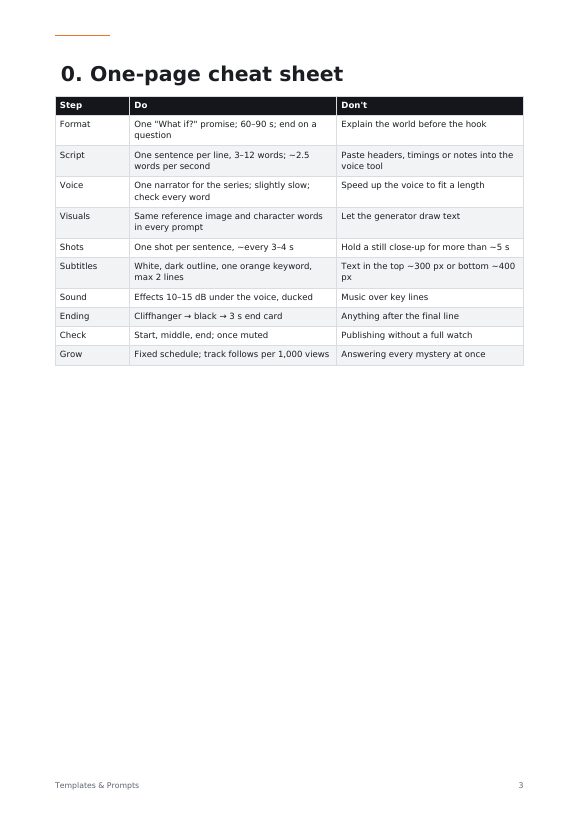
- Templates, prompts and a one-page cheat sheet
- Excel workbooks: calendar, metrics tracker, season planner, shot list
- The code pipeline that rendered the episodes
The course opens soon.
Leave your email and you'll be the first to know.
Instant download. English. Refund policy.
Questions
Do I need to code?
No. Lessons 0–6 use no-code tools. Lesson 7 is optional and shows the code pipeline, which Claude can run for you.
Which tools do I need?
An AI assistant for scripts, a text-to-speech tool for the voice, an image or video generator, and a video editor. Several have free tiers; prices change, so check each tool before you start. Our own list is on the Tools page.
What do I download?
A ZIP with the course PDF, the templates and prompts (PDF and editable), Excel workbooks, and the project files with the code.
Is this the same workflow as the What If? episodes?
Yes. Both episodes on this site were made with it, and Lesson 8 shows their real scripts, shot list and production numbers.
What language is it in?
English.